
useDraggable hook requires an id and accepts all the same options as the Draggable class. Refer to the Input section below for more information.
API Reference
The
useDraggable hook is a thin wrapper around the Draggable class that makes it easier to create draggable elements in React. It therefore accepts all of the same input arguments.Input
TheuseDraggable hook accepts the following arguments:
The identifier of the draggable element. Should be unique within the same drag and drop context provider.
Optionally supply a type to only allow this draggable element to be dropped over droppable targets that accept this
type.If you already have a reference to the element, you can pass it to the
element option instead of using the ref that is returned by the useDraggable hook to connect the draggable source element.If you already have a reference to the drag handle element, you can pass it to the
handle option instead of using the handleRef that is returned by the useDraggable hook to connect the drag handle element.Set to
true to prevent the draggable element from being draggable.An array of plugin descriptors for per-entity plugin configuration. Use
Plugin.configure() to create descriptors. For example, Feedback.configure({ feedback: 'clone' }).An array of modifiers that can be used to modify or restrict the behavior of the draggable element.
An array of sensors that can be bound to the draggable element to detect drag interactions.
The data argument is for advanced use-cases where you may need access to additional data about the draggable element in event handlers, modifiers, sensors or custom plugins.
This is an advanced feature and should not need to be used by most consumers.
useDraggable hook element is unmounted.Output
TheuseDraggable hook returns an object containing the following properties:
A ref callback function that can be attached to the element that you want to make draggable.
A ref callback function that can be attached to an element to create a drag handle.
A boolean value that indicates whether the draggable is the source of the drag operation that is in progress.
A boolean value that indicates whether the draggable is currently being dragged.
A boolean value that indicates whether the draggable is being dropped. This can be used to style the draggable element differently during the drop animation.
Guides
Specifying a drag handle
To specify a drag handle, provide a reference to an element and pass it as thehandle argument to the useDraggable hook. Alternatively, you can consume the handleRef ref callback to connect the drag handle element.
When you connect a drag handle element, only the element that is connected to the
handleRef will initiate the drag operation.Restricting dragging using modifiers
Use modifiers to modify or restrict the behavior of draggable elements. Modifiers let you dynamically modify the movement coordinates that are detected by sensors. They can be used for a wide range of use cases, for example:- Restricting motion to a single axis
- Restricting motion to the draggable node container’s bounding rectangle
- Restricting motion to the draggable node’s scroll container bounding rectangle
- Applying resistance or clamping the motion
Rendering a drag overlay
You can render a completely different element while the draggable element is being dragged by using the<DragOverlay> component.
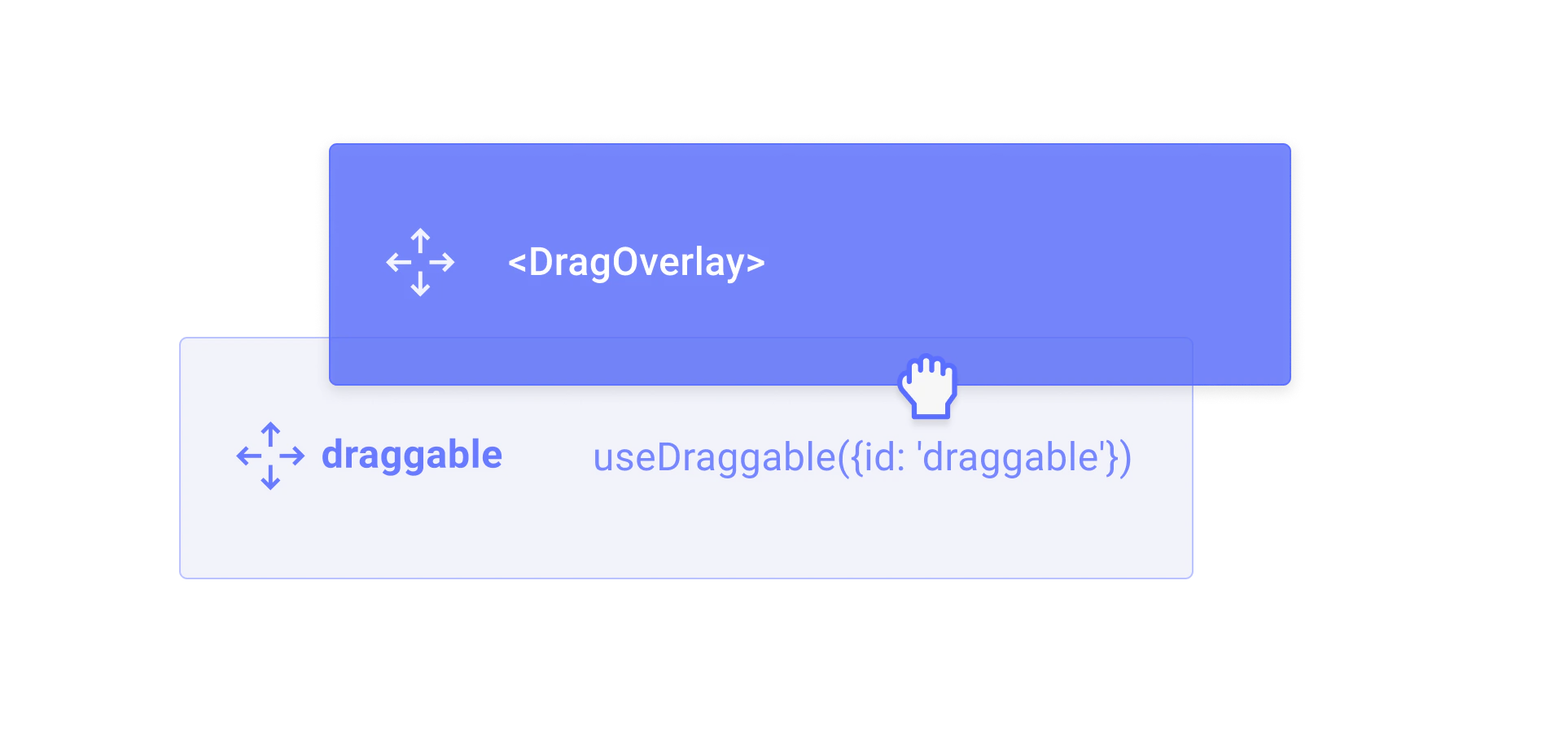
<DragOverlay> component will only render its children when a drag operation is in progress. This can be useful for rendering a completely different element while the draggable element is being dragged.
To get around the fact that the <DragOverlay> component should only rendered once, you can also pass a function as a child to the <DragOverlay> component, which will receive the source as an argument. This can be useful for rendering a clone of the source element while it is being dragged.