
Before getting started, make sure you have followed the installation steps outlined in the Installation guide.
Context provider
First, we’ll set up the general structure of the app. In order for theuseDraggable and useDroppable hooks to function correctly, you’ll need to ensure that the components where they are used are wrapped within a <DndContext /> component:
App.jsx
Droppable
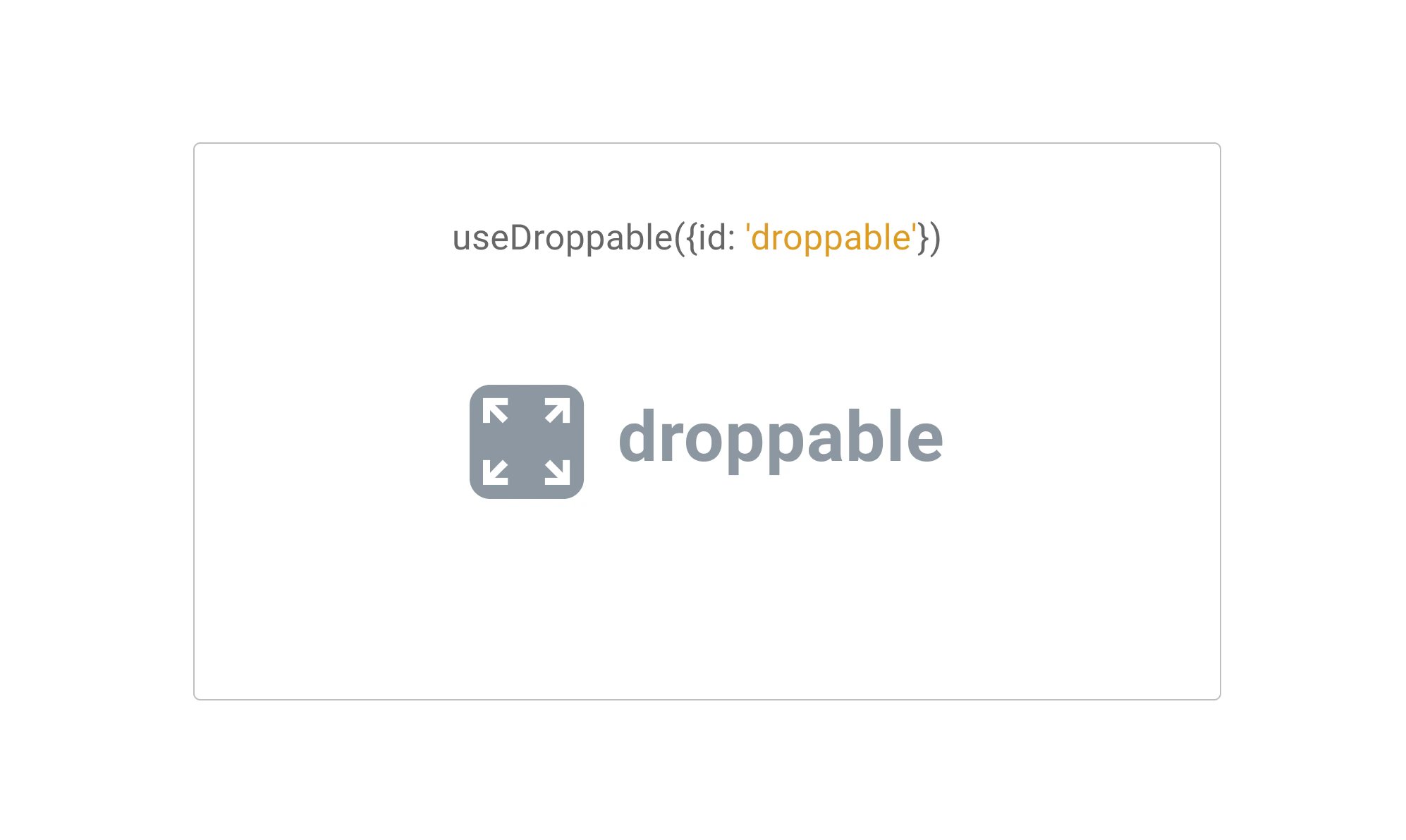
useDroppable hook.The
useDroppable hook isn’t opinionated about how your app should be structured. At minimum though, it requires you pass a ref to the DOM element that you would like to become droppable. You’ll also need to provide a unique id attribute to all your droppable components.
When a draggable element is moved over your droppable element, the isOver property will become true.
Droppable.jsx
Draggable
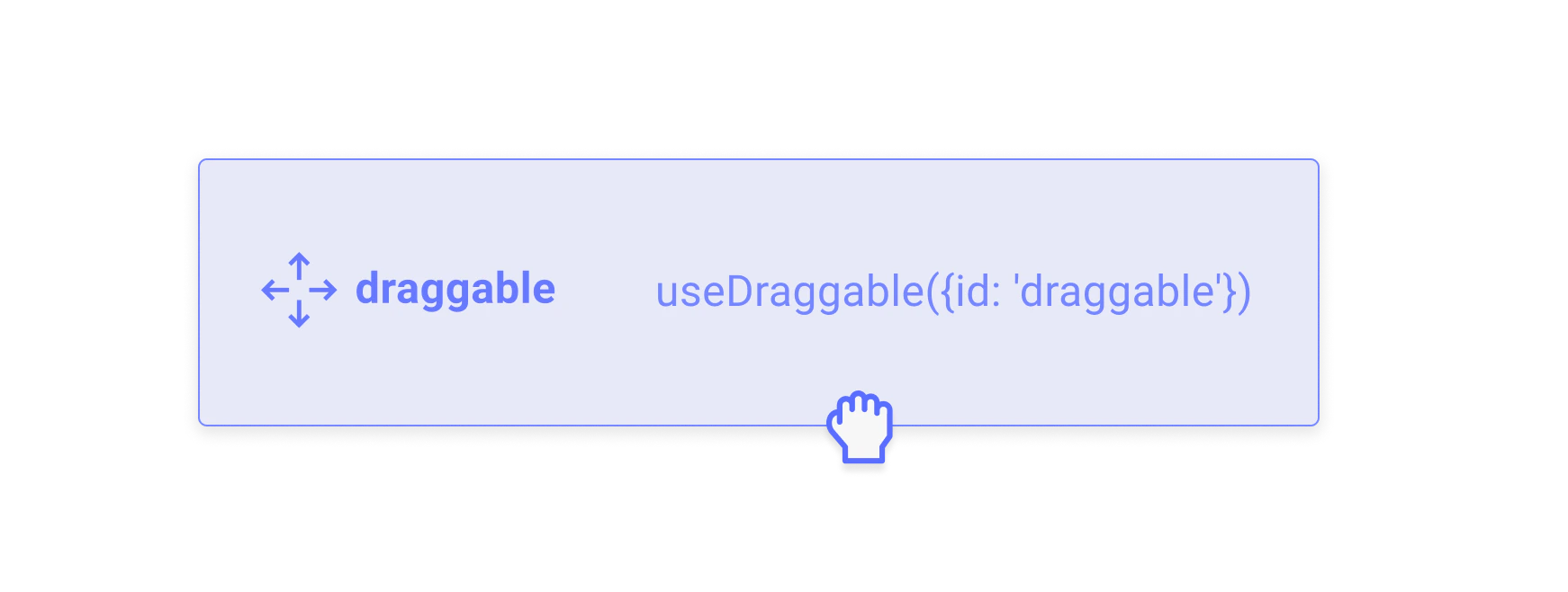
useDraggable hook.
The useDraggable hook isn’t opinionated about how your app should be structured. It does however require you to be able to attach listeners and a ref to the DOM element that you would like to become draggable. You’ll also need to provide a unique id attribute to all your draggable components.
After a draggable item is picked up, the transform property will be populated with the translate coordinates you’ll need to move the item on the screen.
The transform object adheres to the following shape: {x: number, y: number, scaleX: number, scaleY: number}
Draggable.jsx
transform object to a string can feel tedious. Fear not, you can avoid having to do this by hand by importing the CSS utility from the @dnd-kit/utilities package:
Assembling all the pieces
Once you’ve set up your Droppable and Draggable components, you’ll want to come back to where you set up your<DndContext> component so you can add event listeners to be able to respond to the different events that are fired.
In this example, we’ll assume you want to move your <Draggable> component from outside into your <Droppable> component:
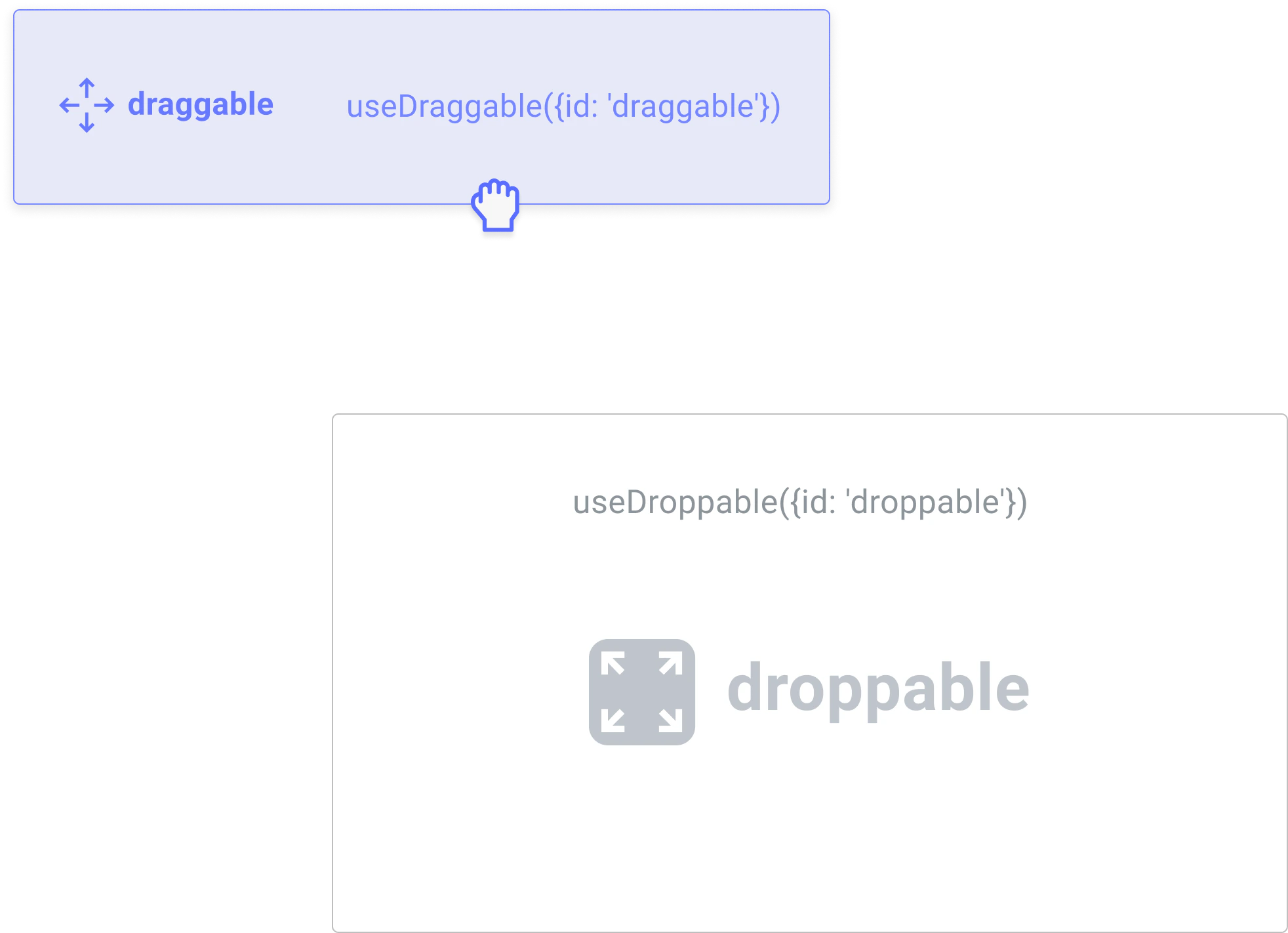
onDragEnd event of the <DndContext> to see if your draggable item was dropped over your droppable:
Pushing things a bit further
The example we’ve set up above is a bit simplistic. In a real world example, you may have multiple droppable containers, and you may also want to be able to drag your items back out of the droppable containers once they’ve been dragged within them. Here’s a slightly more complex example that contains multiple Droppable containers:<DndContext> , useDroppable and useDraggable by reading their respective API documentation.